
Countdown Timer Widget

Free Countdown Timer Widget for Your Website

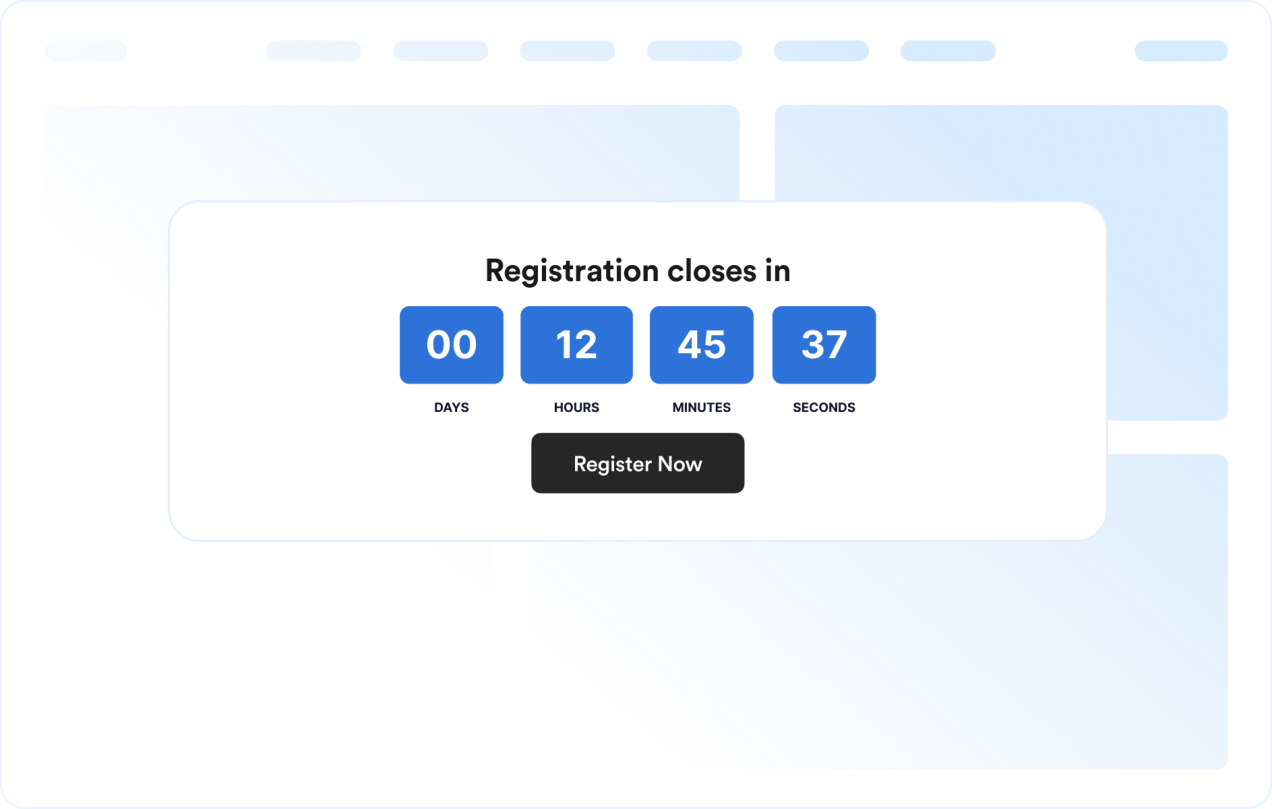
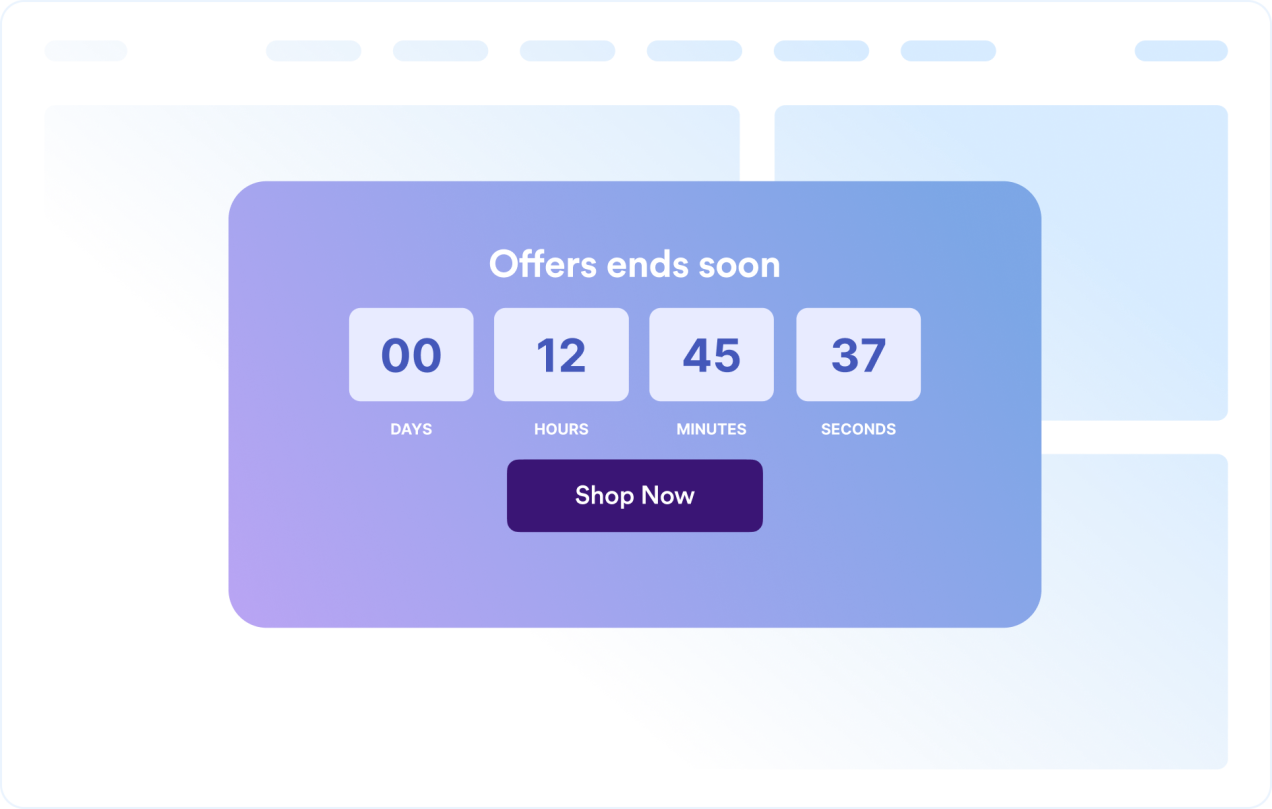
Create urgency for sales, product launches, webinars, events, and seasonal campaigns. Jotform's Countdown Timer widget lets you set a target date, select restart timing, customize layout and colors, add action buttons, and embed the widget on your website — no coding required.

Create Now — It’s Free!
Free Countdown Timer Widget for Your Website Hero Background image

More Countdown Timer Styles

Rocket Launch Today Live Countdown Widget

Build a rocket launch today live countdown display with bright cyan digits, a dark mission-control palette, and technical typography. The timer shows days, hours, minutes, and seconds beneath a Launch Countdown heading, followed by Countdown complete — check mission status when it reaches zero. This is a configurable fixed-date countdown template, not a live mission tracker. Enter a verified launch time and time zone before embedding it. The initial December 31, 2026 at 18:00 UTC target is an editable design setting, not a confirmed rocket launch. Schedule changes must be entered manually; no live launch-data integration is included.

Easter Countdown Widget

This Easter Countdown Widget shows a live countdown to Western Easter Sunday on March 28, 2027 at 00:00 in the Europe/London timezone. It presents the remaining time in days, hours, minutes, and seconds, using a soft spring palette with lavender, sage, and dark plum tones, plus a friendly Nunito font and rounded timer cards. It is a simple fit for seasonal announcements, holiday landing pages, church events, or spring promotions. Visitors can watch the timer tick down and, when it ends, see the Happy Easter! message.

Boxing Day Countdown Widget

This Boxing Day countdown timer shows the time remaining until 26 December 2026 at 00:00 in the Europe/London timezone. It uses a clean flip-style display with days, hours, minutes, and seconds, plus a centered title and a simple finish state that reads Boxing Day is here!. It suits seasonal retail pages, event launches, and holiday landing pages that need a polished countdown in a compact inline layout. Visitors can follow the timer in real time on desktop or mobile, making it easy to keep attention on the approaching date.

Thanksgiving Countdown Widget

This Thanksgiving countdown widget brings a warm harvest palette to holiday landing pages, with a cream background, russet text, burnt-orange timer cards, and elegant serif typography. A welcoming Gather around the table heading sits above the days, hours, minutes, and seconds. The countdown is set for U.S. Thanksgiving on November 26, 2026 at midnight in Eastern Time (US). It displays Happy Thanksgiving! when the timer ends. Customize the date, time zone, colors, and message for your celebration.

How to create a Countdown Timer widget

Set up the countdown timer

Set up the countdown timer

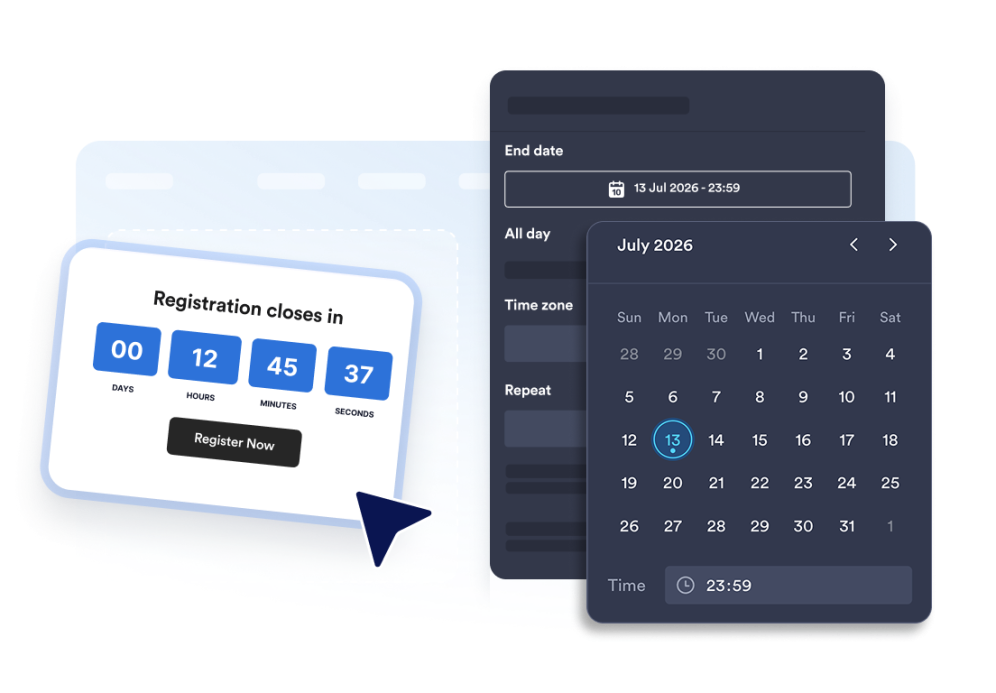
Choose the end date, time zone, event type, and optional restart schedule.

Customize the layout and theme

Customize the layout and theme

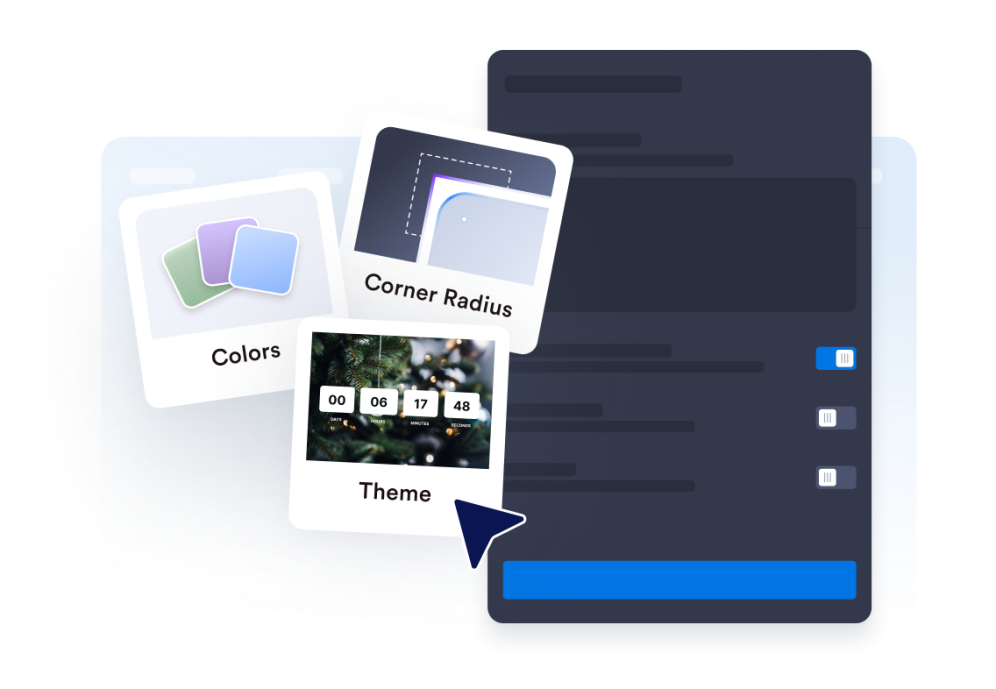
Select the position for your timer and adjust colors, labels, and the corner style.

Embed it on your website

Embed it on your website

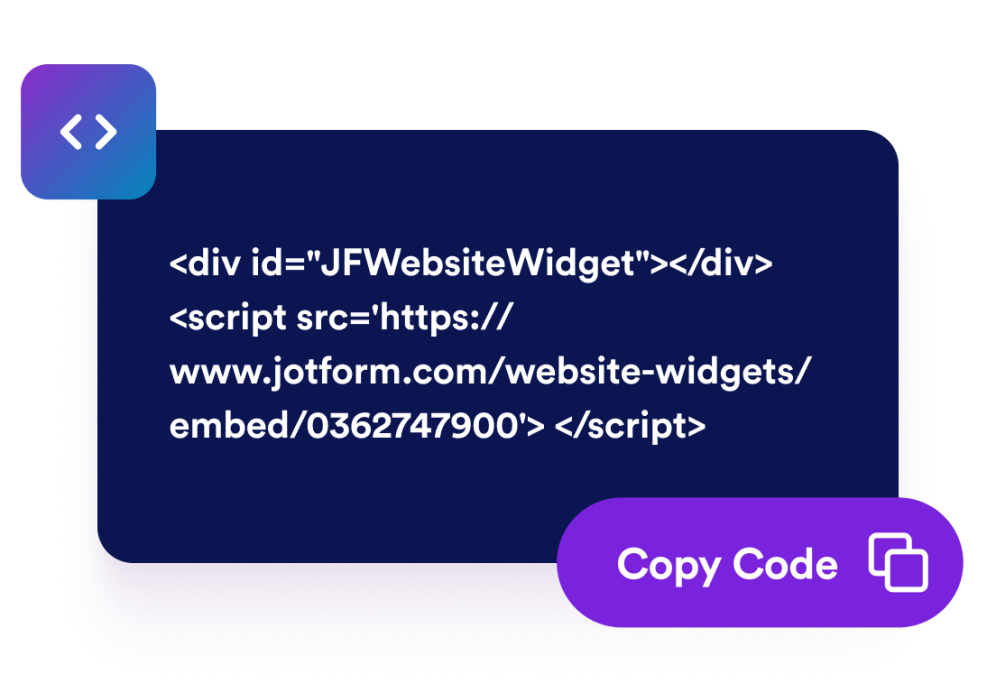
Add call-to-action buttons, preview the timer, and copy the embed code to publish it anywhere.

Create urgency with a countdown timer that fits your page

Count down to a specific date and time

Set a precise deadline for launches, promotions, webinars, product drops, or event campaigns. Time zone functionality keeps the countdown consistent for your campaign.

Count down to a specific date and time

Use layouts for banners and inline sections

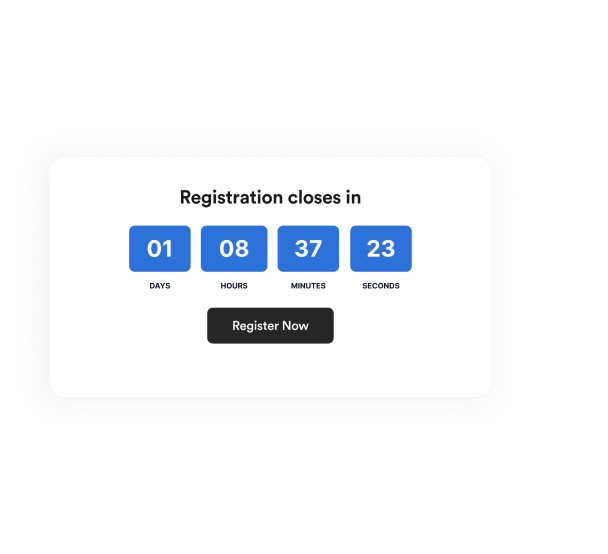
Display the timer inline, as a full-width section, as a fixed top or bottom bar, or as a floating card. This makes it easy to fit the widget into different website designs.

Use layouts for banners and inline sections

Customize the timer design

Show or hide time units, adjust labels, set the corner style, and apply campaign-ready theme presets.

Customize the timer design

Guide visitors to the next action

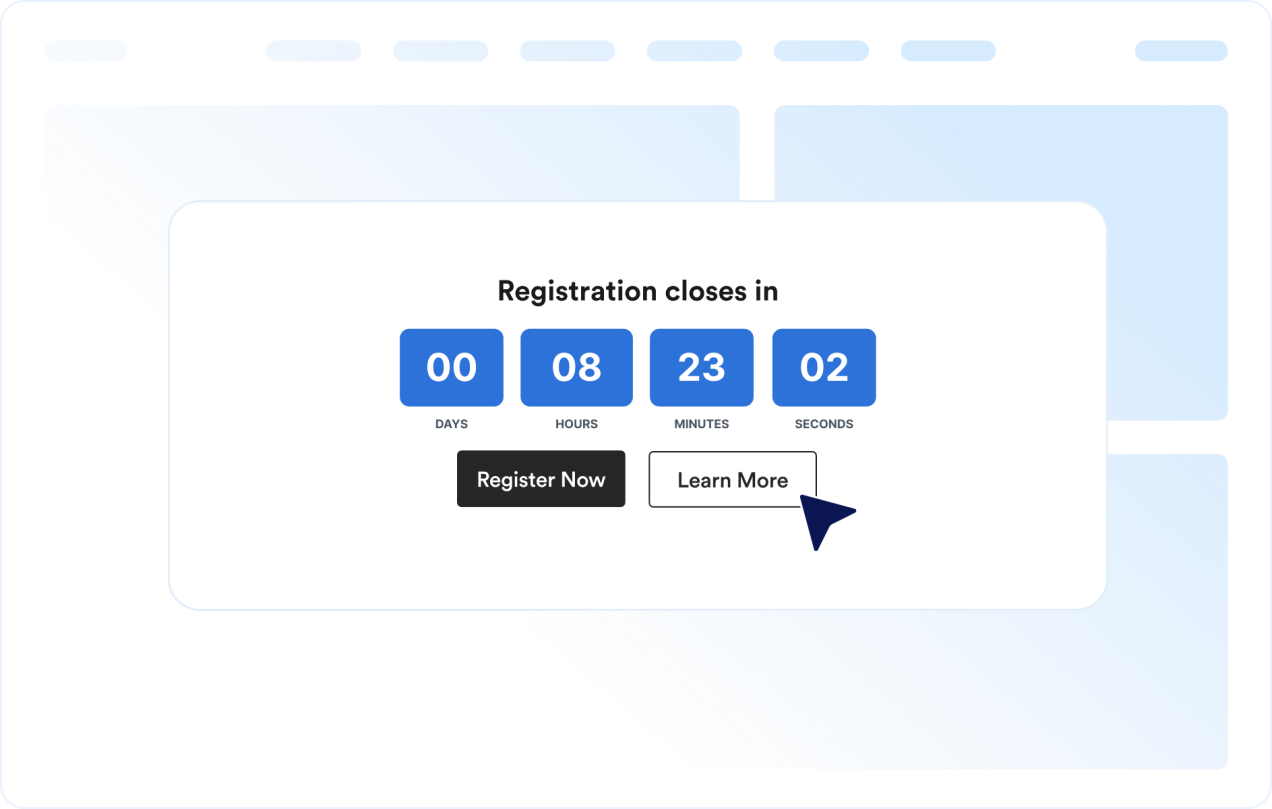
Add the widget anywhere on your site where a clear deadline might prompt visitors to take action.

Guide visitors to the next action

How to embed your Countdown Timer into WordPress

1Get your embed code

After customizing your Jotform website widget, click Try it on your website for free, and copy the generated embed code.

2Open the page editor

Go to the WordPress post or page where you want to display the widget, then add a new block.

3Add a Custom HTML block

Select Custom HTML and paste your Jotform website widget embed code into the HTML field.

4Update and view

Click Update or Publish, then open the page to check your embedded widget.

Why Jotform Website Widgets stand out

Jotform’s widgets make your website more interactive and increase conversions. There are many tools available, from star ratings and testimonial sliders to social proof popups and media embeds. Add widgets to your forms or landing pages to collect data, display proof, and capture leads — no coding required.

Embed widgets without coding

Add Jotform widgets to your website with a simple embed code. Customize the widget, preview how it looks, and paste it into any page that supports custom HTML or embed blocks, all without a developer.

Build more interactive pages

Use Jotform Website Widgets to collect leads, show customer feedback, display social proof, embed media, or add helpful web page tools. Each widget helps visitors interact with your business directly from your website.

Get support when you need it

If you need help setting up, customizing, embedding, or troubleshooting your widget, Jotform’s customer support team is available 24-7. You can move forward with confidence, knowing that help is there when you need it.

Where to use your Countdown Timer widget

Add the widget anywhere a clear deadline can help visitors act sooner and understand when an offer, event, or campaign ends.

Sale landing pages to highlight limited-time discounts and flash campaigns

Product launch pages to build anticipation before a release

Event and webinar pages to show registration or attendance deadlines

Announcement bars to keep a deadline visible across the top or bottom of a site

Checkout and pricing pages to reinforce promotional deadlines near purchase decisions

Coming soon pages to count down to a launch date with a clear call-to-action

Convert leads into paying customers with the Jotform Form Builder

Turn engagement into action with Jotform. Create powerful forms that capture leads, collect payments, and automate responses, all in one place. Every submission lands in your Jotform Inbox, where you can follow up or connect with your favorite apps.

Get Started — It’s Free!
Convert leads into customers

FAQ

  • What is a Countdown Timer widget?

    A Countdown Timer widget displays the time remaining until a chosen date and time. It helps websites promote sales, events, launches, and other time-sensitive campaigns.

  • Can I customize the layout?

  • Can I change the colors and layout?

  • Can the countdown repeat?

  • Can I add buttons to the countdown?

  • What happens when the countdown ends?

  • Does it work on mobile?

  • Do I need to write code?